
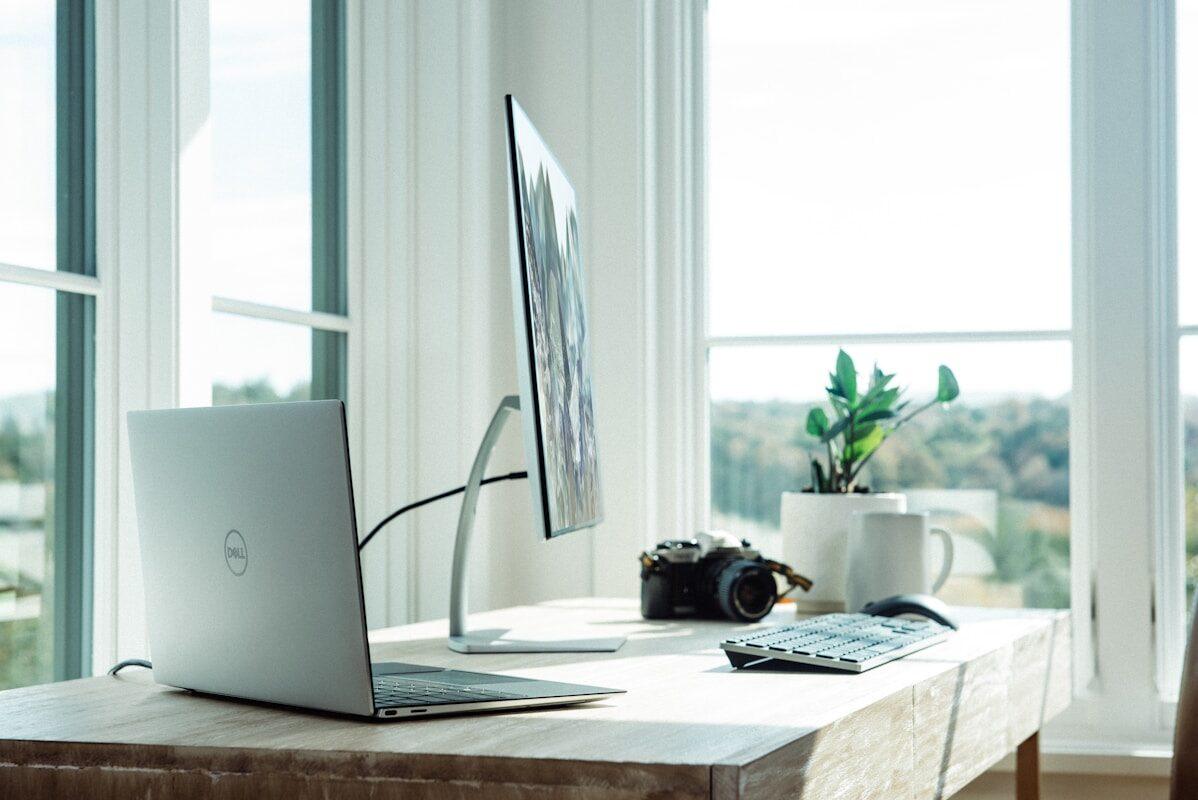
Working from home has shifted from a perk to a standard arrangement for millions of people. What has not always kept pace is the quality of the space people work in. A kitchen table with a laptop might work for occasional tasks, but it does not hold up as a long-term professional setup. A proper home office does not require a major renovation or a large budget. It requires thoughtful choices about a few key elements that have a real impact on productivity, comfort, and health.
Here is how to build a home office setup that works well without overspending.
Choose the Right Space
The most effective home office is a dedicated space used only for work. It does not need to be large. A ten by ten room, a finished basement corner, or even a wide closet converted for the purpose works well when it is properly set up. What matters most is that the space is separate from the areas where you relax and socialize. That separation helps your brain shift into work mode when you enter and decompress when you leave.
If a fully dedicated room is not available, a well-defined corner of a room with a clear visual boundary, such as a bookcase or a curtain, provides a partial substitute. Avoid setting up in the bedroom if possible, since the association between the bedroom and restful sleep is worth preserving.
Invest in the Chair Before Everything Else
If your budget allows for one quality purchase in a home office, make it the chair. You spend more time in your office chair than in any other piece of furniture in the space, and a chair that does not support your posture properly leads to back pain, fatigue, and reduced focus over time. An ergonomic chair with adjustable seat height, lumbar support, and armrests at a comfortable height is not a luxury. It is a long-term health investment.
New ergonomic chairs from reputable brands range from two hundred to over a thousand dollars, but the used market provides significant savings. Refurbished office chairs from commercial suppliers and marketplace platforms regularly offer high-quality seating at thirty to fifty percent of the new price.
Desk Height and Monitor Position
Your desk height should allow your forearms to rest parallel to the floor when your hands are on the keyboard. Your monitor should be at arm’s length from your face and positioned so that the top of the screen is at or just below eye level. These two adjustments reduce strain on your neck, shoulders, and wrists.
A sit-stand desk allows you to alternate between sitting and standing throughout the day, which reduces the physical toll of long work sessions. Entry-level sit-stand desks start around two hundred fifty dollars. A desk riser placed on top of an existing desk provides similar functionality at a lower upfront cost.
Lighting That Reduces Eye Fatigue
Poor lighting is one of the most overlooked contributors to fatigue in a home office. Working in a dim room forces your eyes to strain. Overhead lighting that creates glare on a monitor produces similar strain from the opposite direction. The goal is balanced, diffused lighting that eliminates harsh shadows and glare while being bright enough to work comfortably.
Position your monitor so that windows are to the side rather than directly in front of or behind you. Add a desk lamp with a warm white LED bulb to supplement overhead lighting and reduce contrast between the screen and the surrounding space. A lamp with adjustable brightness allows you to match the light level to conditions throughout the day.
Managing Cables and Clutter
A cluttered desk is a source of low-level distraction and stress throughout the workday. Cable management is one of the simplest and most satisfying improvements in any home office. Velcro cable ties, adhesive cable clips, and a small cable management box under the desk organize power strips, chargers, and monitor cables for under twenty dollars.
Clearing surface clutter leaves room for the work itself and makes the space feel more professional. A small set of desktop organizers for pens, notebooks, and reference materials keeps frequently used items accessible without consuming the entire work surface.


Leave a Reply