
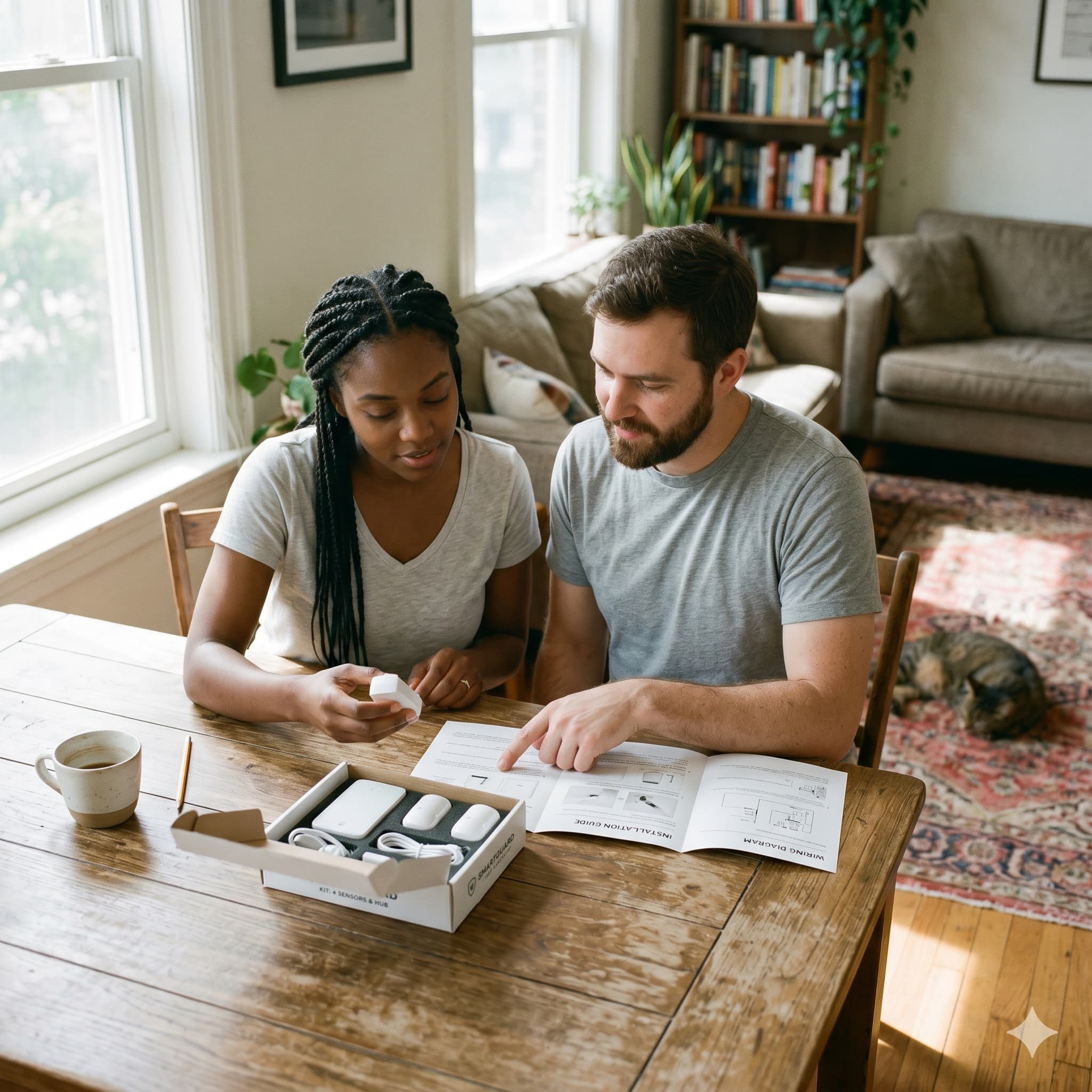
A professionally installed security system typically costs $100–$300 more upfront than buying the same equipment and setting it up yourself.
In many cases, the professional installer is drilling holes and running a wire from the same devices you could mount with an adhesive strip.
The question worth asking is: what are you actually paying for?
What DIY Installation Covers Well
Modern DIY security systems are designed so that a non-technical homeowner can install them in two to three hours.
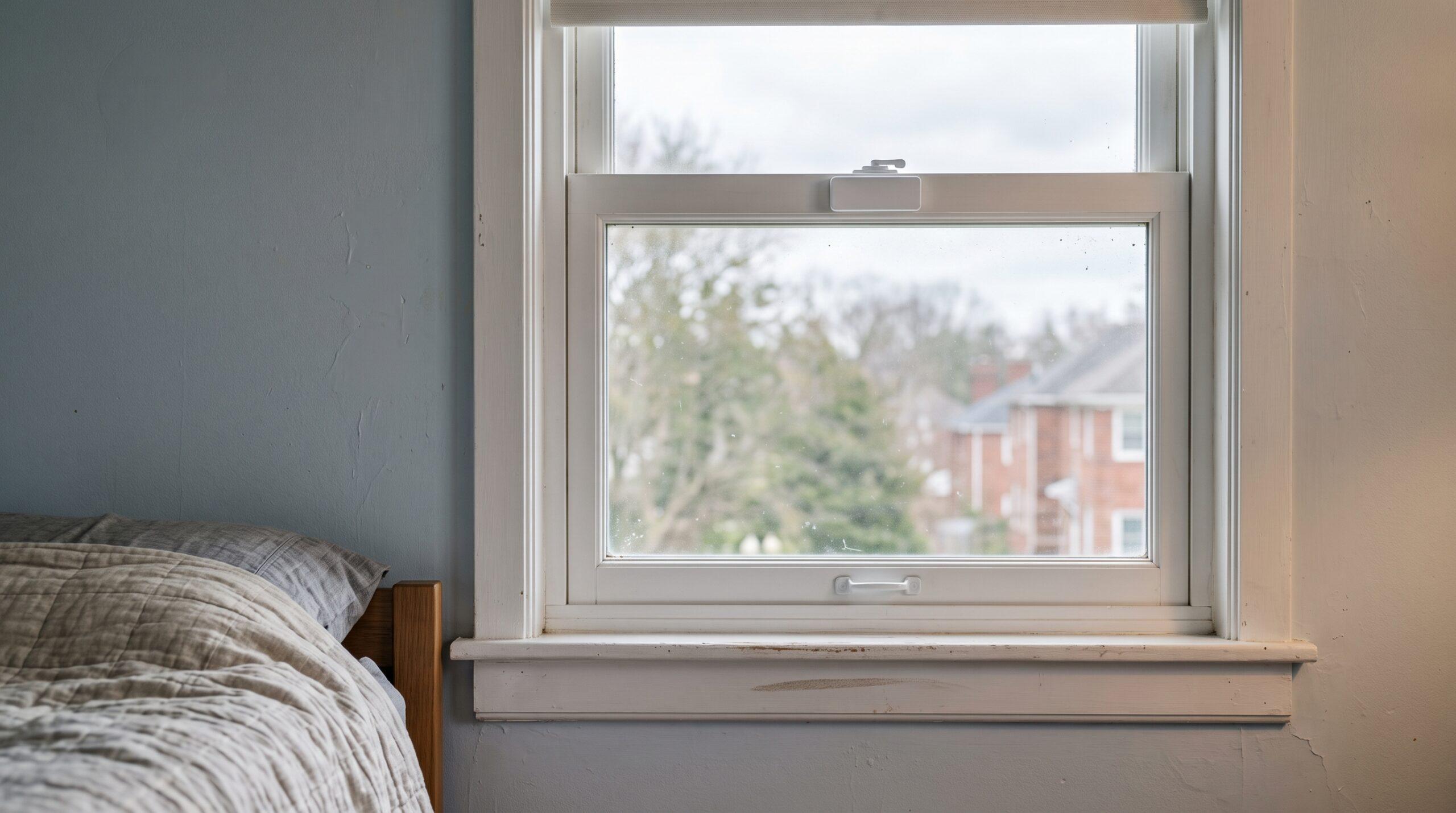
Ring Alarm, SimpliSafe, Abode, and most other consumer systems use adhesive-mounted sensors, magnetic contacts, and plug-in hubs.
The app walks you through placement. No drilling required for the core components.
What you need to do yourself is place door and window sensors, mount cameras (most use a single screw or adhesive), connect the hub to power and Wi-Fi, and run it all through the app setup. The systems are designed for exactly this. The instructions are clear.
For insurance context, NAIC’s homeowners insurance guide explains why homeowners should verify coverage details directly.
For emergency planning and recovery, USA.gov’s disaster-assistance page is the federal resource to keep separate from private monitoring claims.
If your home is single-story, has standard door frames, and you are comfortable navigating a smartphone app, professional installation adds almost nothing.
—
> DIY home security systems from Ring, SimpliSafe, and similar brands are built for self-installation. For most single-family homes, the process takes two to three hours and requires no technical expertise.
—
When Professional Installation Is Actually Worth Paying For
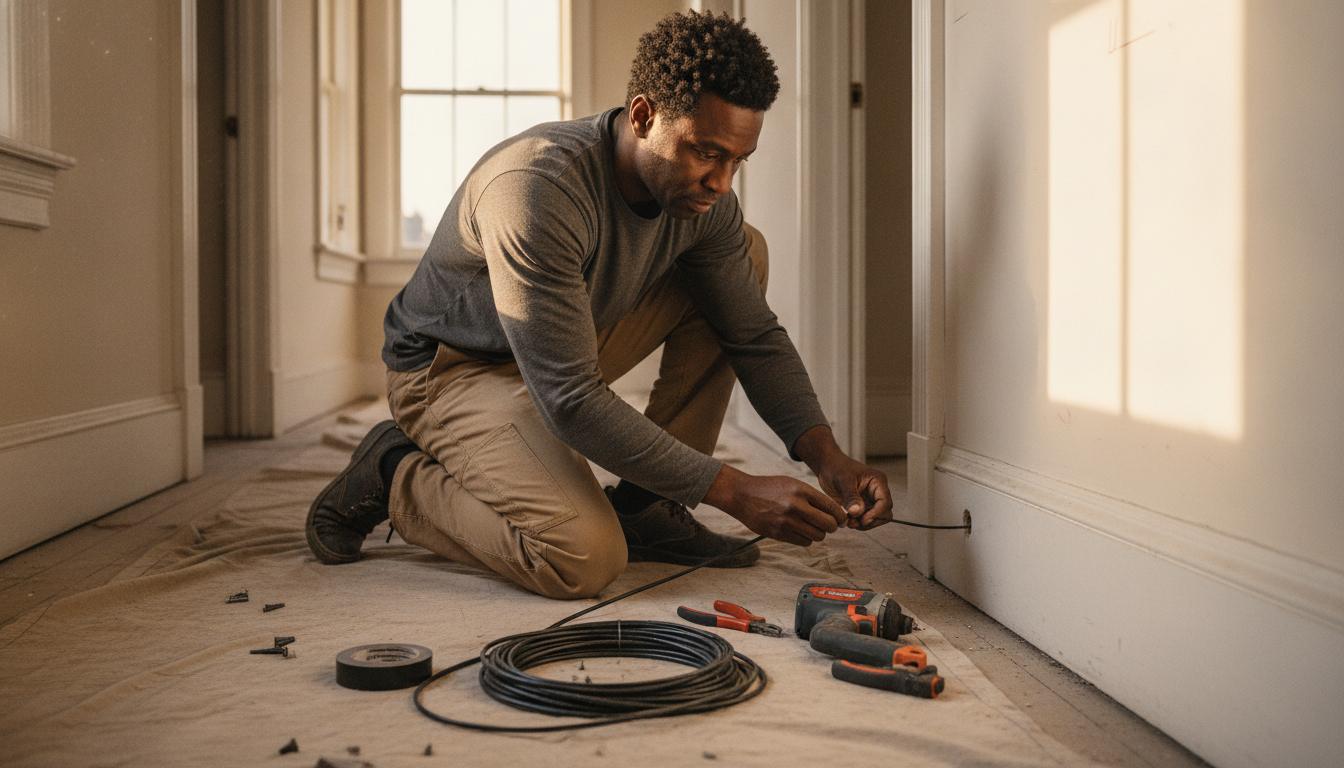
In short, complex hardwired systems. If you want hardwired exterior cameras (buried conduit, weatherproof cabling, connection to a central recorder) that is a job for someone who has done it before.
Hardwired systems are more reliable and harder to defeat than wireless, and the installation complexity is real.
Also, multi-story homes with unusual layouts. Running camera cable through finished walls, getting into tight attic spaces, and positioning sensors optimally across a large home can require experience.
A professional who installs systems daily knows where to mount cameras for the best coverage angle and how to handle obstacles you will not anticipate from watching a setup video.
Additionally, if you specifically want professionally monitored systems, some companies require installation. For example, ADT and Vivint sell their service bundled with professional installation.
So if you want their specific monitoring network, installation comes with the product. You are not paying separately for installation, as it is built into the contract economics.
Finally, it’s worth paying for in homes where aesthetics matter. Professionally installed systems often look cleaner: cable routed through walls, equipment placed more precisely, less visible hardware. If visible sensor adhesives on your window frames bother you, professional installation solves that.
The Contract Factor
Many professional installation companies bundle their service with 2–3 year monitoring contracts. The installation is priced low or free because the margin is in the monthly fees.
A $0 installation offer attached to a $55/month, 36-month contract costs you $1,980 in monitoring over the contract term, plus cancellation fees if you leave early.
DIY systems are contract-free. You buy the hardware outright and choose month-to-month monitoring. If you move or cancel, there is no penalty.
This flexibility has real financial value that is easy to miss when comparing a “free installation” offer against a $300 upfront equipment cost.
—
> Free professional installation with a 3-year contract costs you in monitoring fees what you would have saved on installation — and then some. Calculate the total contract value, not the upfront price.
—
The Reliability Question
DIY wireless systems depend on Wi-Fi and battery life. Door sensors run on batteries that last 1–3 years and need periodic replacement. Cameras need power or battery management. If your Wi-Fi goes down, cloud-based features stop working until the connection restores.
On the other hand, professional systems often include cellular backup: even if your internet and power are cut, the system stays connected and monitoring continues. Some DIY systems offer cellular backup as a paid add-on.
If this level of reliability matters to you, factor the add-on cost into the comparison.
The Bottom Line
For most homeowners: DIY.
The cost savings are real, the performance is comparable, and the flexibility of no contract is worth something.
For larger homes, hardwired setups, or homeowners who genuinely want hands-off management and professional response, the premium is justified.
Know which scenario you are in before signing anything.
Questions Homeowners Ask
- What do you actually need in a home security system?
- What does a home security system actually cost?
- Smart locks vs. deadbolts: which is actually more secure?
Use this decision checklist
| Situation | DIY is usually a reasonable fit | Professional help is more defensible |
|---|---|---|
| Wireless sensors and cameras | You can follow placement and app instructions | The layout needs specialized coverage planning |
| Power and mounting | Plug-in or adhesive equipment fits the surfaces | The job needs concealed wiring, ladder work, or new circuits |
| Monitoring choice | You want to self-monitor and manage the account | You need a documented professional response arrangement |
| Future support | You can update, test, and replace devices yourself | You want one party responsible for maintenance and troubleshooting |
For the underlying safety and consumer-protection rules, see CISA’s advice for securing connected devices, the FTC’s advice on installation contracts and cancellation rights.