
7 min read · Last updated June 15, 2026
- A professionally installed wired system runs roughly $1,500 to $2,500 and up. A DIY wireless kit runs $200 to $600. The gap is mostly labor and drilling, not equipment quality.
- Wired systems keep running when wifi drops or batteries die. Wireless systems depend on your internet and need battery swaps every one to three years.
- Own the home long-term, or have walls already open from a remodel? Wired earns its cost. Rent, move often, or want protection running today? Wireless wins.
- Neither system protects you without monitoring. The hardware records an event; the monitoring plan is what gets help to your door.
In this article
- The cost gap: $400 once vs $2,000 financed
- Reliability: what happens when the power or wifi goes out
- Which house each system actually fits
- The costs people forget
- FAQ
The Federal Trade Commission’s guide to shopping for a home security system covers contract and monitoring-fee traps that apply to both wired and wireless setups.
Priya closed on a 1990s split-level in March and got two very different quotes. One installer wanted $1,950 to run a hardwired alarm system through the walls and patch the holes after. An online kit she could mount herself in an afternoon was $420. Both promised to protect the same house. She assumed the expensive one had to be the safer one. It is not that simple.
Whichever system you choose, the insurance discount depends on your carrier’s own rules, not the installer’s pitch. NAIC’s homeowners insurance guide explains why you should verify that directly, and USA.gov’s disaster-assistance page is the federal resource to keep separate from any private monitoring company’s claims.
The wired-versus-wireless choice is one of the most common decisions a new homeowner faces, and the marketing on both sides makes it murkier than it needs to be. The honest answer comes down to two questions about you, not the gear.
The cost gap
The price difference is real and it is large, but it is almost entirely about installation, not protection.
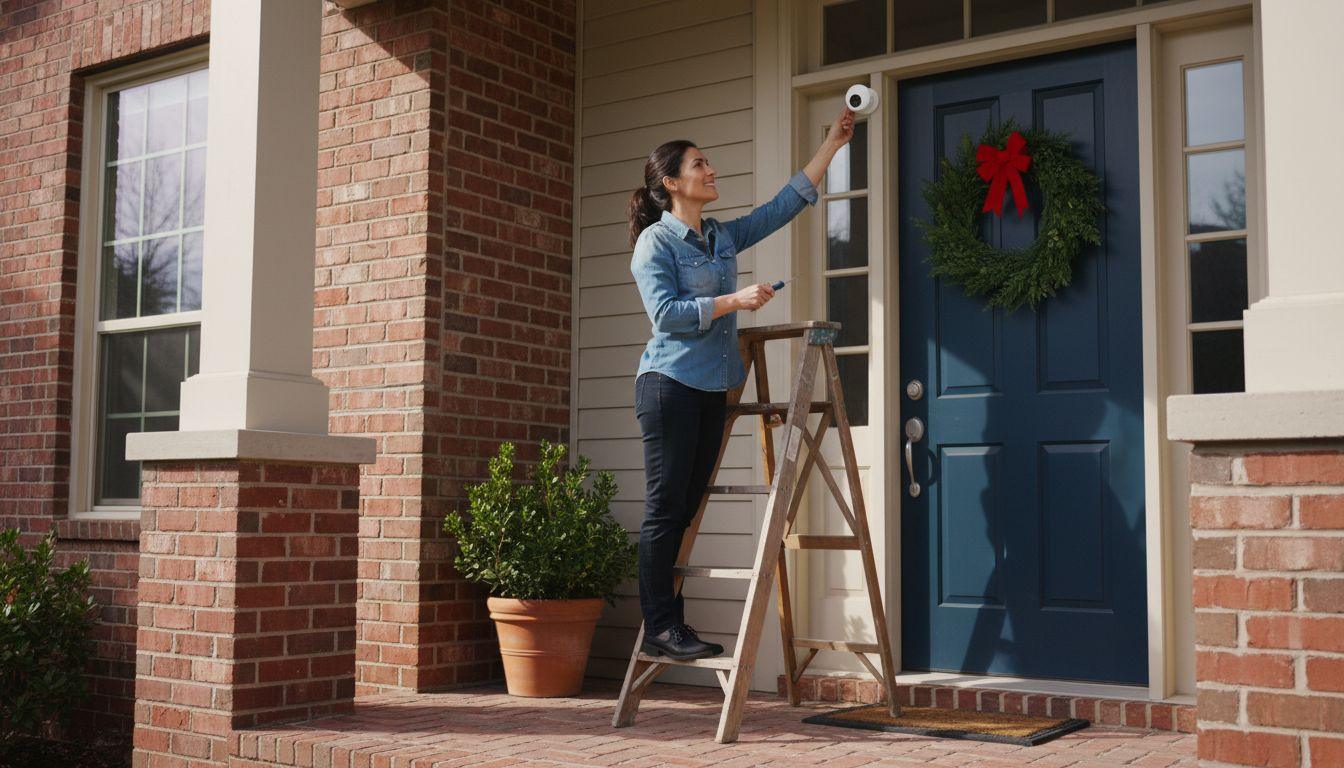
Industry cost guides put DIY wireless kits in the $200 to $600 range for a starter set of a hub, a few door and window sensors, a motion detector, and a camera or two. You mount them with adhesive strips or a few screws and pair them to an app. There is no labor charge because you are the labor.
A professionally installed wired system typically runs $1,500 to $2,500 or more. The equipment is a modest share of that. Most of the bill is a technician running low-voltage wire inside your walls, drilling, fishing cable between floors, and patching afterward. In an older home with finished basements and no easy chase for the wire, the labor climbs toward the top of the range or beyond.
So the first thing to be clear-eyed about: you are not paying $1,500 extra for a safer alarm. You are paying it for wires in the walls and someone else doing the work.
| Factor | Wired system | Wireless system |
|---|---|---|
| Upfront cost | $1,500 to $2,500+ installed | $200 to $600, self-installed |
| Installation | Pro, drilling and wall patching | DIY, an afternoon with adhesive or screws |
| Works in a power outage | Yes, with battery backup; not internet-dependent | Yes if it has cellular and battery backup; check the spec |
| Internet dependence | Low, can use a landline or cellular path | High, leans on wifi unless cellular backup is included |
| Maintenance | Minimal, no sensor batteries to swap | Battery swaps every 1 to 3 years per device |
| Take it when you move | No, it stays with the house | Yes, peel it off and bring it |
| Best for | Long-term owners, new builds, active remodels | Renters, frequent movers, fast and flexible setups |
Reliability
This is where wired systems earn their reputation, and where wireless has mostly caught up but not entirely.
A hardwired system draws power from your home with a battery backup for outages, and its sensors talk to the panel over wire that does not care about your wifi. Cut the power and the backup battery keeps it armed. It is hard to jam and it does not drop offline because the router rebooted.
A wireless system leans on two things: battery-powered sensors and a connection to the outside world. The connection is the part to scrutinize. A wireless system that reports only over your home wifi goes dark the moment your internet does, which is exactly when some break-ins are timed. The fix is cellular backup, where the hub has its own cellular radio plus a battery so it keeps reporting during a power or internet outage. Good wireless systems include this. Cheap ones do not. Read the spec sheet for the words cellular backup before you buy, because that single feature is the difference between a real alarm and a gadget that fails when you need it.
For a deeper look at which components are worth the money on either system, see our guide to what you actually need in a home security system.
Which house each system fits
Match the system to your situation, not to a star rating.
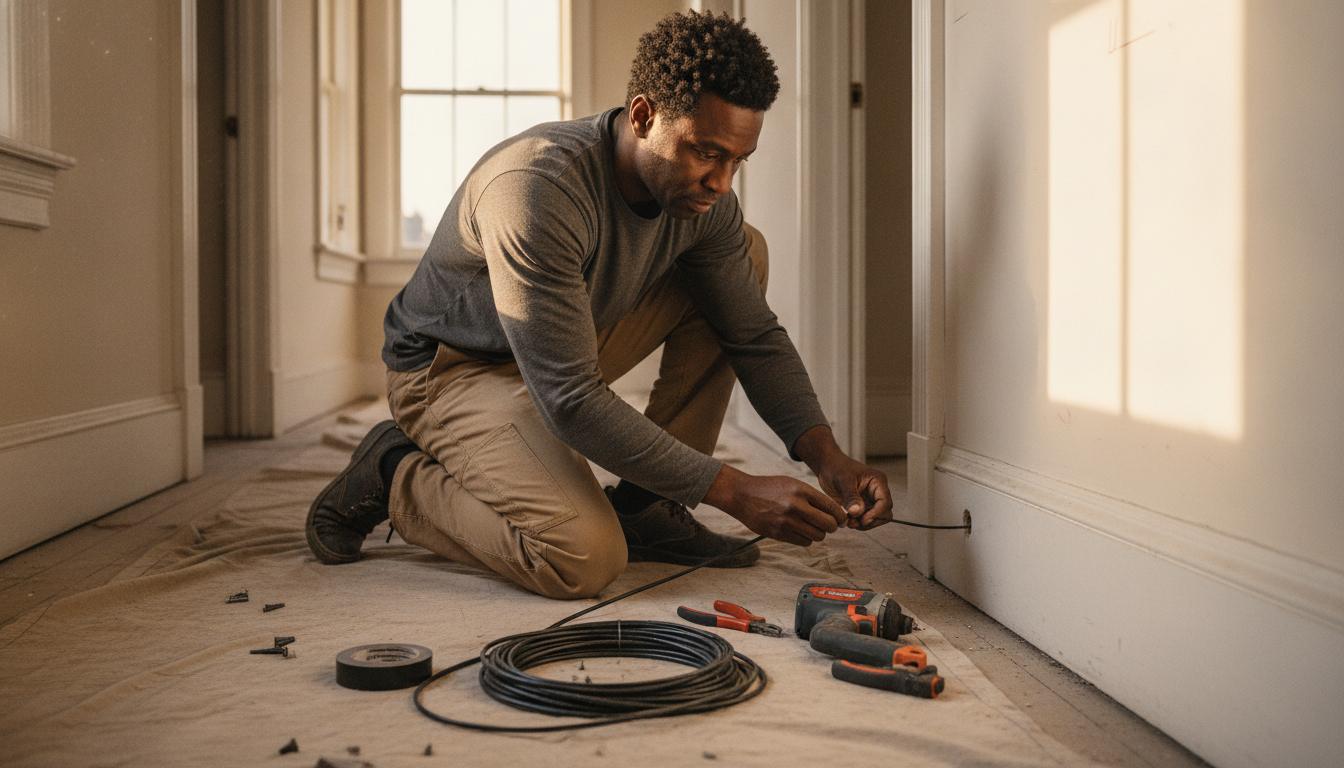
Wired makes sense when you own the home and plan to stay many years, when you are building new or in the middle of a remodel with the walls already open, or when you simply never want to think about sensor batteries again. Running wire is cheap and easy when the drywall is off; retrofitting it into a finished older home is where the cost balloons.
Wireless makes sense when you rent, when you expect to move within a few years, when you want protection running tonight rather than after scheduling an installer, or when your home’s layout makes wiring painful. Because you can peel the sensors off and take them with you, a wireless kit is the only one of the two that follows you to the next address. For most homeowners who are not actively renovating, wireless is the practical default, and the gap in protection is small when you pay for monitoring and cellular backup.
The costs people forget
The sticker price is not the whole bill on either side, and the recurring costs are where the real long-term math lives.
Monitoring is the big one. Professional monitoring, where a service watches your alarms and dispatches police or fire, runs roughly $20 to $50 a month on either a wired or wireless system. Self-monitoring, where alerts come only to your phone, is cheaper or free but means no one calls for help if you miss the notification. We break down whether that recurring fee is worth it in our piece on home security monitoring fees, and on the broader budget in the real cost of a home security system.
The smaller forgotten costs: wireless sensor batteries need replacing every one to three years, which is minor but ongoing. Wired systems can require a service call for changes since you cannot just move a sensor. And if you go pro-install, ask whether you are buying the equipment or leasing it, because a low monthly price sometimes hides a multi-year contract. If you are weighing doing it yourself against hiring out, our DIY vs professional installation guide walks through the tradeoffs. Either way, ask which radio the sensors speak before you compare monitoring prices, because that is what decides whether the hardware outlives the company that sold it.
FAQ
Can I install a wireless security system myself? Yes, and that is most of the appeal. A typical kit mounts with adhesive strips or a couple of screws and pairs to an app in an afternoon. No drilling into walls and no electrician. If you can hang a picture frame and follow on-screen prompts, you can install a modern wireless system.
Do wireless security systems still work if the internet goes down? Only if the system has cellular backup. A wireless system that reports only over your home wifi goes offline when your internet does. Systems with a cellular radio and a backup battery in the hub keep monitoring through both power and internet outages. Confirm the spec lists cellular backup before you buy.
Is a wired or wireless system better for a two-story house? Wireless is usually the easier choice for a finished two-story home, because running wire between floors is the most expensive and invasive part of a wired install. If the home is new construction or being gutted, wired is worth doing while the walls are open.
Will a home security system lower my homeowners insurance? Often, modestly. Many insurers offer a discount of roughly 5% to 20% for a monitored system, with the larger discounts tied to professional monitoring and fire detection. Ask your carrier what proof they require, since the savings rarely cover the full monitoring fee but do offset part of it.
Can I take my security system with me when I move? A wireless system, yes. The sensors and hub peel off and re-mount at your next home. A wired system stays with the house because the wiring is built into the walls, which is one reason renters and frequent movers lean wireless.